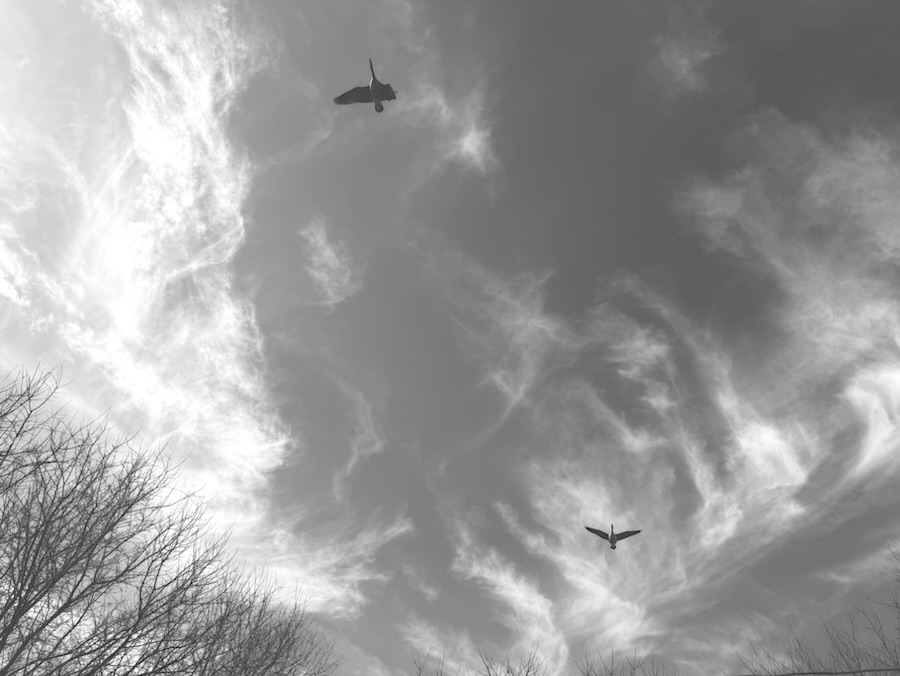
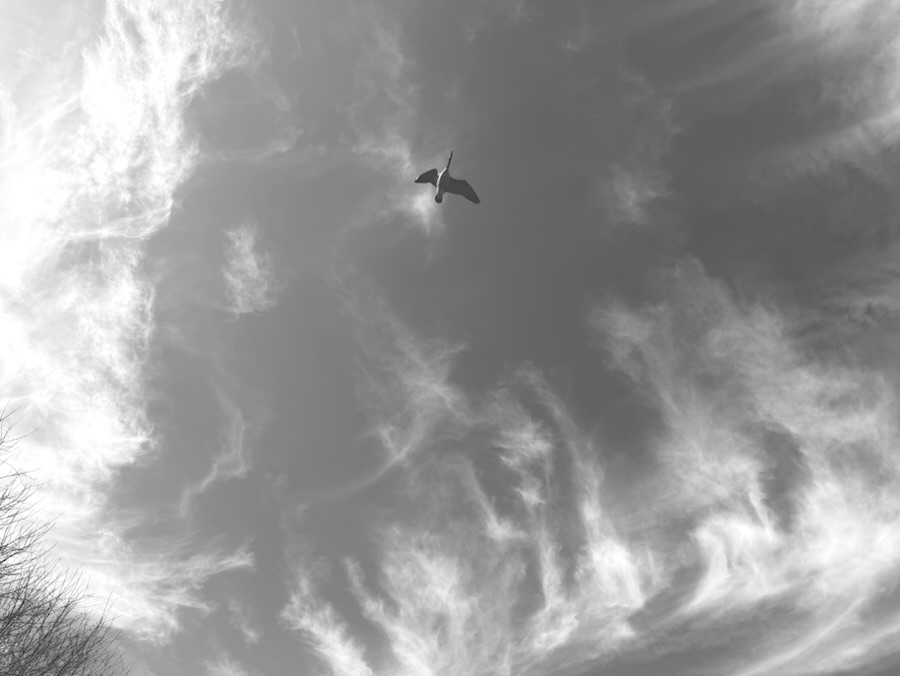
I’m learning to use the Fusion camera’s Monochrome features in my new iPhone 16 Pro Max. While Coleman was playing out back on one of our rare warm winter days, I looked up into the sky and saw a small group of black birds flying through the air. I pointed my iPhone towards the sky in hopes of capturing shots of the birds as they flew overhead of us. Cease the Moments. Enjoy the World around you. Capture the Memories each day.
I have recently upgraded my smartphone from the Apple iPhone 14 Pro Max to the Apple iPhone 16 Pro Max. It has features which the iPhone 14 Pro Max did not have.
The Apple iPhone 16 Pro Max has in addition to the main camera, ultra-wide camera, and the telephoto camera it also has a Fusion camera. The Fusion camera has ten (10) different modes to choose from ranging from standard to Dramatic to Mute or Stark Black and White with several different options in between. In the Fusion Square you can slide between lighter or darker and control the amount of light desired for an image.
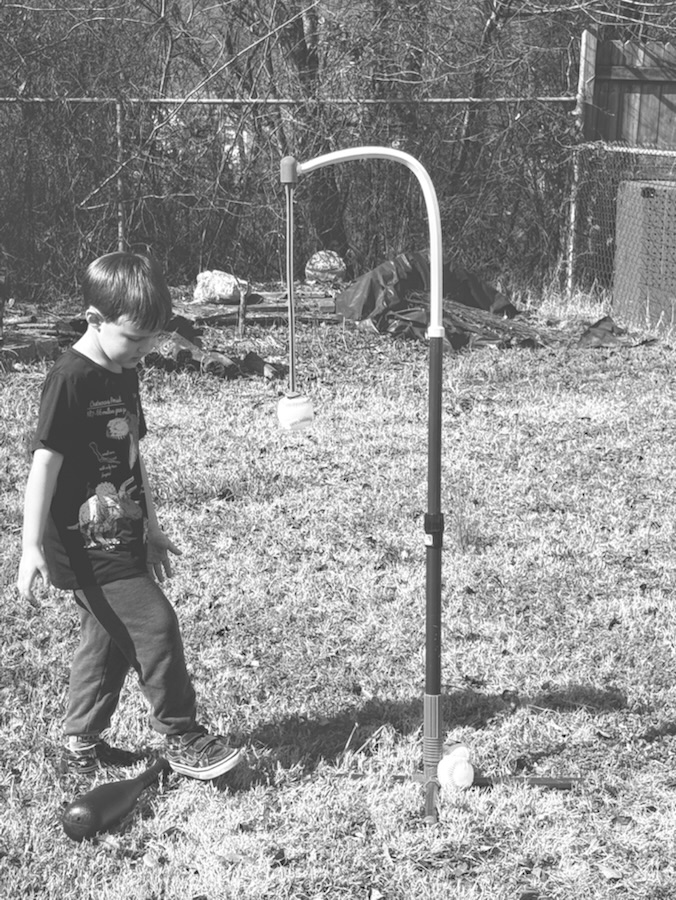
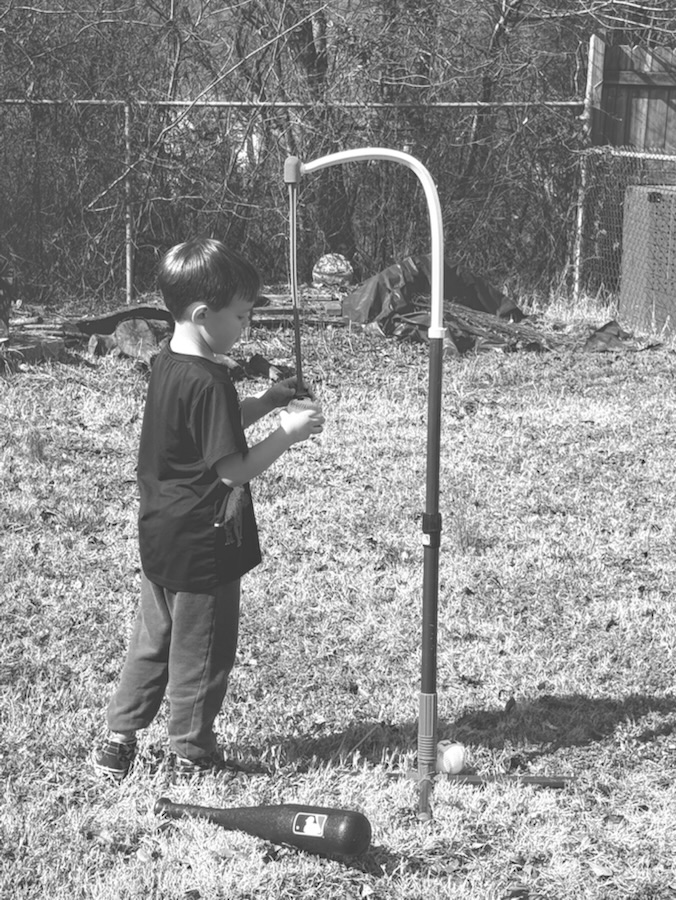
This Fusion Camera feature is all new and different to me. I have only had my Apple iPhone 16 Pro Max since last Monday and have not figured out all its new “bells and whistles” (new upgraded features). Today it was in the high 70’s here, warm enough to allow Coleman to play outside. Instead of going on a hike like we’d normally do, I decided to let him try out his T-ball set up. He will be playing T-Ball through our local Recreational Center and figured it wouldn’t hurt to let him try to practice hitting a ball.
The first eight (8) of these photos were taken using the Apple iPhone 16 Pro Mac’s Fusion camera with the Mute Black and White setting. The last seven (7) were taken using its Stark Black and White settings.

















 Gfpacificbee’s Insights & photography