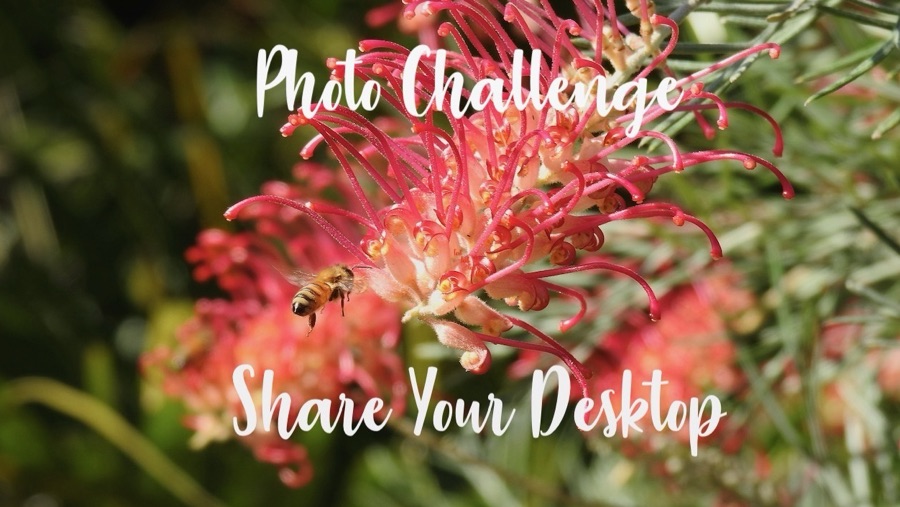
Clare from Clare’s Cosmos invites everyone to join her in Sharing Your Desktop (SYD). Below are her suggestions for participating in the Share Your Desktop Challenge .
To do so, simply share the photo (not a screenshot) you have set as your wallpaper; Provide as little or as much detail as you wish; Use a pingback, or post a link here so I know you have joined in on the fun; Then finally, share the fun around.
I am sharing my Wallpaper from both my Laptop and my Smartphone. I enjoy looking at different images each month. Most of which revolve around Coleman (my grandson) and nature.
I will only be sharing a small portion of my Desktop/Wallpaper images that I am seeing. The reason being I have been required to not post any pictures on any form of social media at this time of our newest family member, aka my new granddaughter.
Here are my Desktop Wallpaper and Screensaver for my Laptop:
From My HP Laptop:
Desktop Background Wallpaper

Anne Springs Close Greenway
Horse Stables
Desktop Screensaver

in Patterson Pond
Anne Springs Close Greenway
Fort Mill, South Carolina
From My Apple iPhone 16 Pro:
I have two images alternating on my Hiking Focus for my iPhone …
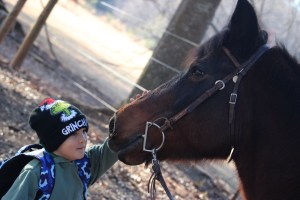
a rider’s horse
Anne Springs Close Greenway
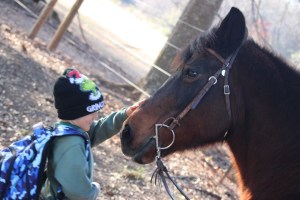
Canon EOS 2000D
Click on each image for enlarged viewing.
Clare’s Share Your Desktop-December
Photo Credit:©️2025 Deb L. Waters … All Rights Reserved.
Cameras: Canon EOS 2000D with Canon EF-S55-250mm lens and Altura UV Filter attachment.
God Bless. Having a Wonderful Week. Thank you for visiting and sharing your time and thoughts with us. I appreciate y’all very much.

 Gfpacificbee’s Insights & photography