2025 SYD: 15 December

Clare from Clare’s Cosmos invites everyone to join her in Sharing Your Desktop (SYD). Below are her suggestions for participating in the Share Your Desktop Challenge .

To do so, simply share the photo (not a screenshot) you have set as your wallpaper; Provide as little or as much detail as you wish; Use a pingback, or post a link here so I know you have joined in on the fun; Then finally, share the fun around.

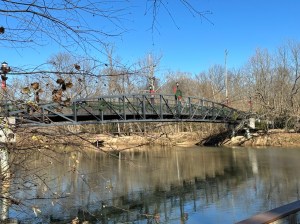
I am sharing my Wallpaper from both my Laptop and my Smartphone. I enjoy looking at different images each month. Most of which revolve around Coleman (my grandson) and nature. 

I will only be sharing a small portion of my Desktop/Wallpaper images that I am seeing. The reason being I have been required to not post any pictures on any form of social media at this time of our newest family member, aka my new granddaughter.

Here are my Desktop Wallpaper and Screensaver for my Laptop:

From My HP Laptop:

Desktop Background Wallpaper
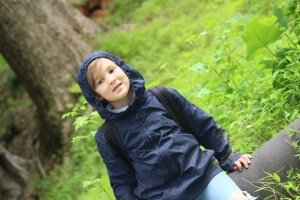
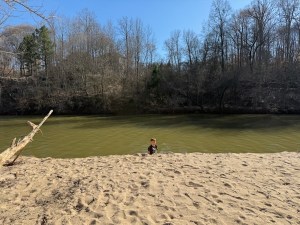
Coleman at
Anne Springs Close Greenway
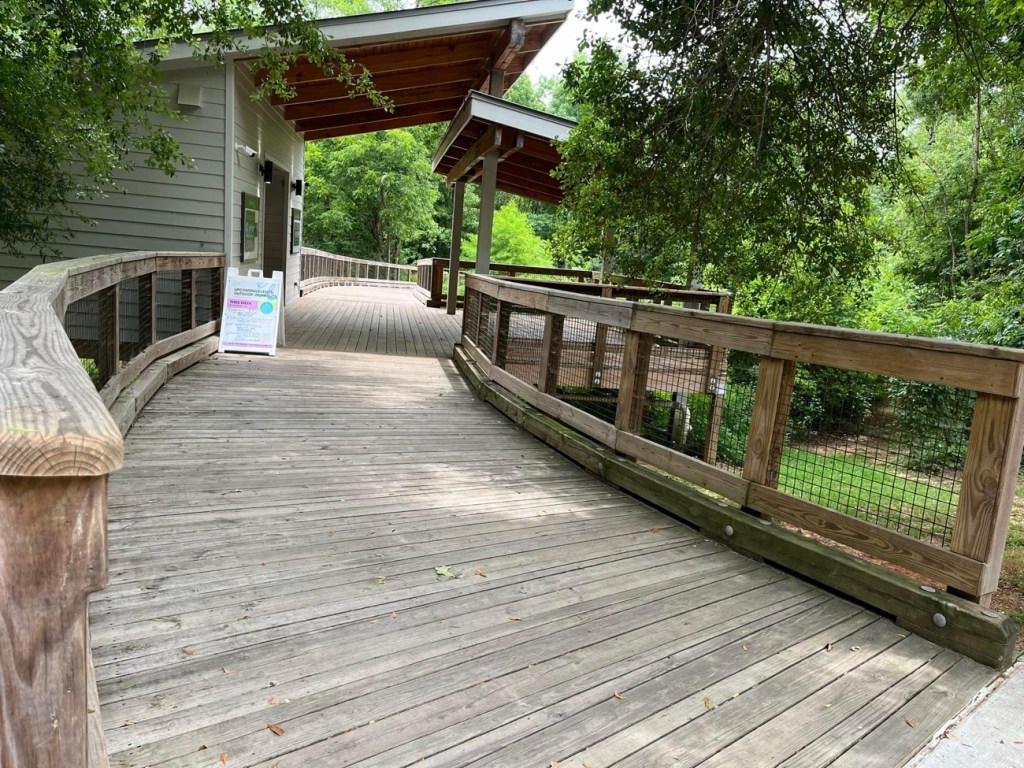
Horse Stables

Desktop Screensaver

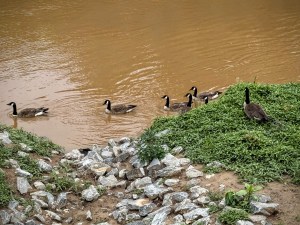
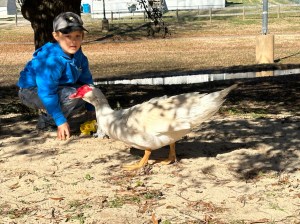
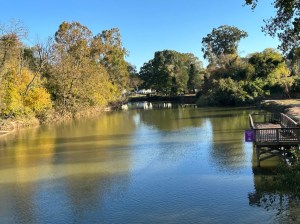
Muscovy Ducks
in Patterson Pond
Anne Springs Close Greenway
Fort Mill, South Carolina

From My Apple iPhone 16 Pro: 

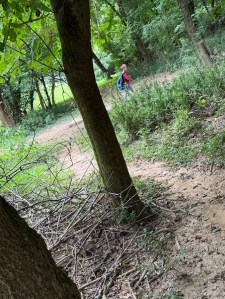
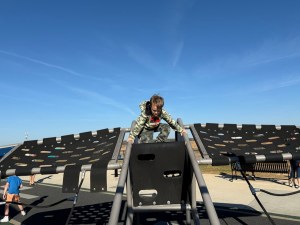
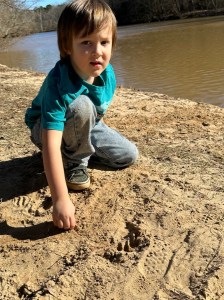
I have two images alternating on my Hiking Focus for my iPhone …
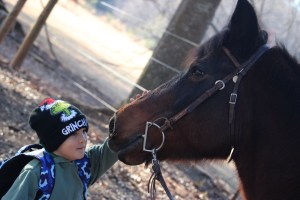
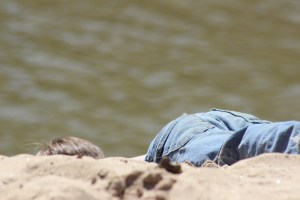
Coleman petting
a rider’s horse
Anne Springs Close Greenway
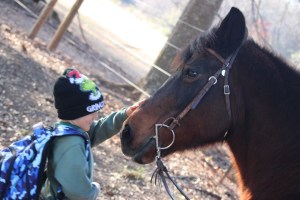
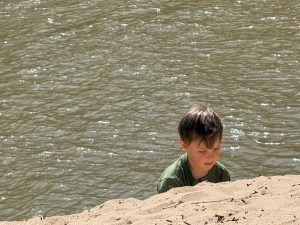
Coleman
Canon EOS 2000D

Click on each image for enlarged viewing. 

Clare’s Share Your Desktop-December  

Photo Credit:©️2025 Deb L. Waters … All Rights Reserved. 

Cameras: Canon EOS 2000D with Canon EF-S55-250mm lens and Altura UV Filter attachment.

God Bless. Having a Wonderful Week. Thank you for visiting and sharing your time and thoughts with us. I appreciate y’all very much.

2025 SYD: 15 November

Clare from Clare’s Cosmos invites everyone to join her in Sharing Your Desktop (SYD). Below are her suggestions for participating in the Share Your Desktop Challenge .

To do so, simply share the photo (not a screenshot) you have set as your wallpaper; Provide as little or as much detail as you wish; Use a pingback, or post a link here so I know you have joined in on the fun; Then finally, share the fun around.

I am sharing my Wallpaper from both my Laptop and my Smartphone. I enjoy looking at different images each month. Most of which revolve around Coleman (my grandson) and nature. 

Here are my Desktop Wallpaper and Screensaver for my Laptop:

From My HP Laptop:

Desktop Background Wallpaper

Coleman
Pulling Up a Seat
on a Pipe

Desktop Screensaver

Coleman checking out
the new Storybook

From My Apple iPhone 16 Pro: 

Focus

Coleman making faces
while waiting for the
Veterans Day Service to begin.

Reading Focus

Coleman
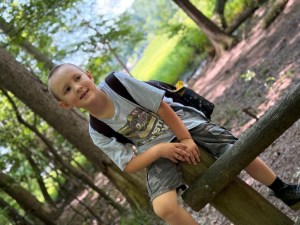
Pulling Up a Seat
on a Branch

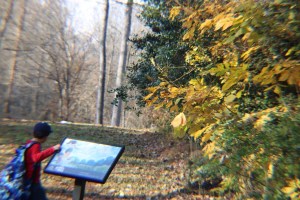
Hiking Focus

Personal Focus

Television Focus

Click on each image for enlarged viewing. 

Clare’s Share Your Desktop-November 

Pull up a Seat Photo Challenge 2025-Week 46

Photo Credit:©️2025 Deb L. Waters … All Rights Reserved. 

Cameras: Canon EOS 2000D with Canon EF-S55-250mm lens and Apple iPhone 16 Pro Max

God Bless. Having a Wonderful Week. Thank you for visiting and sharing your time and thoughts with us. I appreciate y’all very much.
2025 SYD: 15 October

Clare from Clare’s Cosmos invites everyone to join her in Sharing Your Desktop (SYD). Below are her suggestions for participating in the Share Your Desktop Challenge .

To do so, simply share the photo (not a screenshot) you have set as your wallpaper; Provide as little or as much detail as you wish; Use a pingback, or post a link here so I know you have joined in on the fun; Then finally, share the fun around.

I am sharing my Wallpaper from both my Laptop and my Smartphone. I enjoy looking at different images each month. Most of which revolve around Coleman (my grandson) and nature. 

Here are my Desktop Wallpaper and Screensaver for my Laptop:

From My HP Laptop:

Desktop Background Wallpaper

Coleman hiking in
Goat Island Park & Greenway

Desktop Screensaver

Coleman Through the Trees
Goat Island Park and Greenway

From My Apple iPhone 16 Pro: 

Reading Focus

Coleman Leaning Back on a Tree
Branch Goat Island Park and Greenway

Hiking Focus

Coleman
Hiking along the
South Fork Catawba River
at Goat Island Park and Greenway

Personal Focus

Coleman
Disc Golf Trail
Goat Island Park and Greenway

Click on each image for enlarged viewing. 

Clare’s Share Your Desktop-October  

Photo Credit:©️2025 Deb L. Waters … All Rights Reserved. 

Cameras: Canon EOS 2000D with Canon EF-S55-250mm lens

God Bless. Having a Wonderful Week. Thank you for visiting and sharing your time and thoughts with us. I appreciate y’all very much.

2025 SYD: July 15

Clare from Clare’s Cosmos invites everyone to join her in Sharing Your Desktop (SYD). Below are her suggestions for participating in the Share Your Desktop Challenge .

To do so, simply share the photo (not a screenshot) you have set as your wallpaper; Provide as little or as much detail as you wish; Use a pingback, or post a link here so I know you have joined in on the fun; Then finally, share the fun around.

I am sharing my Wallpaper from both my Laptop and my Smartphone. I enjoy looking at different images each month. Most of which revolve around Coleman (my grandson) and nature. 

Here are my Desktop Wallpaper and Screensaver for my Laptop:

From My HP Laptop:

Desktop Background Wallpaper

Coleman at
Anne Springs Close Greenway
Stables Entrance

Desktop Screensaver

Coleman at
Goat Island Park and Greenway

From My Apple iPhone 16 Pro Max: 

Focus

Personal Focus

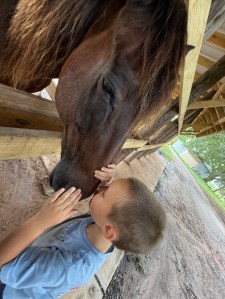
Coleman Horse Lovin’
at Anne Springs
Close Greenway
Horse Stables

Reading Focus

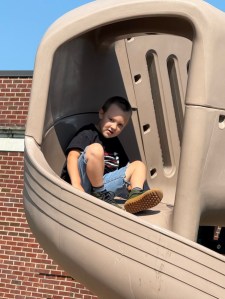
Coleman sliding down
the Slide at
C.B.Huss Recreational Center

Hiking Focus

Coleman hiking
on the Disc Golf Trail
at Goat Island
Park and Greenway

Television Focus

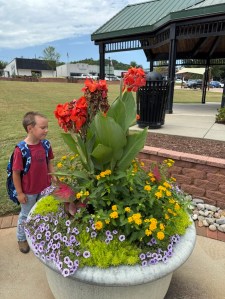
Coleman
admiring the Flowers
in Centennial Center

Click on each image for enlarged viewing. 

Share Your Desktop –July 2025

Photo Credit:©️2025 Deb L. Waters … All Rights Reserved.

Cameras: Apple iPhone 16 Pro Max and Canon EOS Rebel T3i with Canon EF-S55-250mm lens

God Bless. Having a Wonderful Week. Thank you for visiting and sharing your time and thoughts with us. I appreciate y’all very much.

2025 SYD: June 15

Clare from Clare’s Cosmos invites everyone to join her in Sharing Your Desktop (SYD). Below are her suggestions for participating in the Share Your Desktop Challenge .

To do so, simply share the photo (not a screenshot) you have set as your wallpaper; Provide as little or as much detail as you wish; Use a pingback, or post a link here so I know you have joined in on the fun; Then finally, share the fun around.

I am sharing my Wallpaper from both my Laptop and my Smartphone. I enjoy looking at different images each month. Most of which revolve around Coleman (my grandson) and nature.

Here are my Desktop Wallpaper and Screensaver for my Laptop:

From My HP Laptop:

Desktop Background Wallpaper

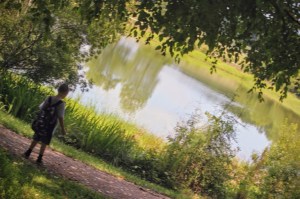
Coleman looking over the Pond
by The Trailhead Store
at Daniel Stowe Conservancy

Desktop Screensaver

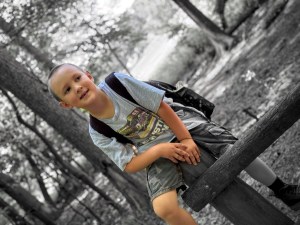
Color Pop of Coleman
sitting on a Fence Post
on The Carolina Thread Trail
by The Trailhead Store
at Daniel Stowe Conservancy

From My Apple iPhone 16 Pro Max: 

Focus

Coleman
sitting on a Cairn
at Rocky Branch Trailhead

Personal Focus

Coleman
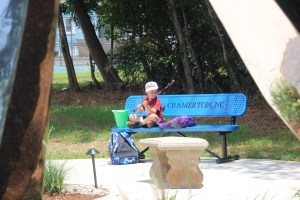
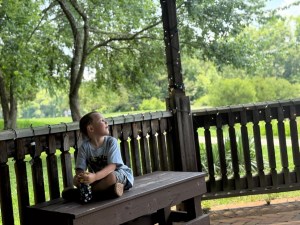
sitting on a Bench
inside a Gazebo
by The Trailhead Store
at Daniel Stowe Conservancy

Reading Focus

Coleman
sitting on a Fence Post
on The Carolina Thread Trail
by The Trailhead Store
at Daniel Stowe Conservancy

Hiking Focus

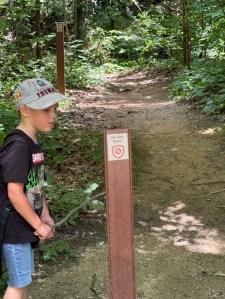
Coleman
by a
Do Not Enter
Trail Post
on the
Rocky Branch Trail

Click on each image for enlarged viewing.

Share Your Desktop – June 2025

Photo Credit:©️2025 Deb L. Waters … All Rights Reserved. 

Cameras: 1) Canon EOS Rebel T3i with Canon EF-S55-250mm lens and Altura UV & CPL Filter attachment; 2-6) Apple iPhone 16 Pro Max

Locations: 1-2 & 4-5) The Trailhead Store, Daniel Stowe Conservancy, Belmont, North Carolina; 3 & 6) Rocky Branch Trail, Cramerton/Belmont, North Carolina, USA

God Bless. Having a Wonderful Week. Thank you for visiting and sharing your time and thoughts with us. I appreciate y’all very much.
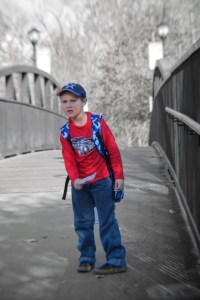
2025 SYD: May 15

Clare from Clare’s Cosmos invites everyone to join her in Sharing Your Desktop (SYD). Below are her suggestions for participating in the Share Your Desktop Challenge 

To do so, simply share the photo* you have set as your wallpaper;
Provide as little or as much detail as you wish;
Use a pingback, or post a link here so I know you have joined in on the fun;

Then finally, share the fun around.

I am sharing my Wallpaper from both my Laptop and my Smartphone. I enjoy looking at different images each month. Most of which revolve around Coleman (my grandson) and nature.

Here are my Desktop Wallpaper and Screensaver for my Laptop:

From My HP Laptop:

Desktop Background Wallpaper
Coleman
in
Goat Island Playground
Desktop Screensaver
Canada Geese
South Fork Catawba River
Goat Island Park and Greenway

From My Apple iPhone 16 Pro Max: 

Personal Focus
Coleman
Goat Island Park and Greenway
Reading Focus
Coleman
sitting on a pipe
at
Goat Island Park and Greenway
Hiking Focus
Coleman
Tree Climbing
at
Riverside Park and Greenway

Share Your Desktop – May 2025

Jez’s Water Water Everywhere #268

Photo Credit:©️2025 Deb L. Waters … All Rights Reserved. 

Cameras: Canon EOS Rebel T3i with Canon EF-S55-250mm lens and Altura UV Filter attachment

God Bless. Having a Wonderful Week. Thank you for visiting and sharing your time and thoughts with us. I appreciate y’all very much.
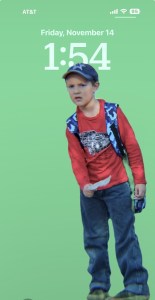
2025 SYD: March 15

Clare from Clare’s Cosmos invites everyone to join her in Sharing Your Desktop (SYD). Below are her suggestions for participating in the Share Your Desktop Challenge 

  1. To do so, simply share the photo* you have set as your wallpaper;
  2. Provide as little or as much detail as you wish;
  3. Use a pingback, or post a link here so I know you have joined in on the fun;
  4. Then finally, share the fun around.

I am sharing my Wallpaper from both my Laptop and my Smartphone. I enjoy looking at different images each month. Most of which revolve around Coleman (my grandson) and nature.

Here are my Desktop Wallpaper and Screensaver for my Laptop:

From My HP Laptop:

Desktop Background Wallpaper

Coleman
Taken with my
Canon EOS Rebel T3i

Desktop Screensaver

Coleman
Taken with my
Canon EOS Rebel T3i

From My Apple iPhone 16 Pro Max:

Personal Focus

Coleman
Taken with my Apple
iPhone 16 Pro Max

Reading Focus

Coleman
Taken with my Apple
iPhone 16 Pro Max

Hiking Focus

Coleman
Taken with my Apple
iPhone 16 Pro Max

Television Focus

Canada Geese
Taken with my
Canon EOS Rebel T3i

Sleep Focus

Coleman
Taken with my
Canon EOS Rebel T3i

As you can see Coleman and his antics and expressions are in all, but one of my wallpapers. These were all taken at Riverside Park and Greenway in Cramerton, North Carolina.

Clare’s Share Your Desktop-March 2025

Jez’s Water Water Everywhere #261

Photo Credit:©️2025 Deb L. Waters … All Rights Reserved.

Location: South Fork Catawba River; Riverside Park and Greenway; Old Town; Cramerton, North Carolina, USA

God Bless. Get Outdoors. Enjoy Nature. Capture the Beauty all around you. Thank you for visiting and sharing your time and thoughts with us. I appreciate y’all very much.

2025 SYD: February 15

Clare from Clare’s Cosmos invites everyone to join her in Sharing Your Desktop (SYD). Below are her suggestions for participating in the Share Your Desktop Challenge 

  1. To do so, simply share the photo* you have set as your wallpaper;
  2. Provide as little or as much detail as you wish;
  3. Use a pingback, or post a link here so I know you have joined in on the fun;
  4. Then finally, share the fun around.

I am sharing my Wallpaper from both my Laptop and my Smartphone. I enjoy looking at different images each month. Most of which revolve around Coleman (my grandson) and nature.

Here are my Desktop Wallpaper and Screensaver for my Laptop:

Desktop Wallpaper:

Coleman
sitting on a tree branch
at Goat Island Park and Greenway.

Also My Smartphone Hiking Focus

Desktop Screensaver:

Coleman
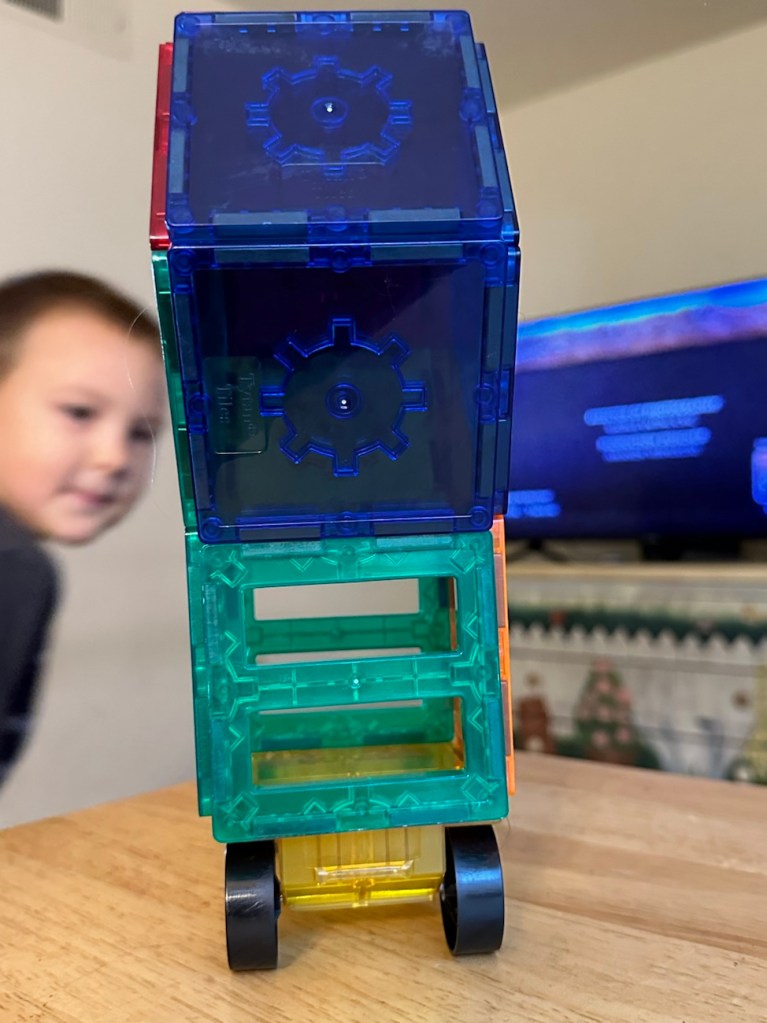
playing with his Brio Train set
& his MagnaTiles on his Road mat.

Smartphone Wallpapers:

Personal Focus

Coleman
Swinging on a rope
at Goat Island Park and Greenway

Reading Focus

Coleman
playing at the
CLT Airport Overlook

Share Your Desktop-2025 February

Photo Credit:©️2025 Deb L. Waters … All Rights Reserved.

Cameras: 1) Canon EOS Rebel T3i with Canon EF-S55-250mm lens; 2) Apple iPhone 14 Pro Max; 3-4) Apple iPhone 16 Pro Max

God Bless. Play Along. Share Your Desktops with Clare’s Share Your Desktop Challenge. Thank you for visiting and sharing your time and thoughts with us. I appreciate y’all very much.

2025 Share Your Desktop: January 15

Clare from Clare’s Cosmos invites everyone to join her in Sharing Your Desktop (SYD). Below are her suggestions for participating in the Share Your Desktop Challenge 

  1. To do so, simply share the photo* you have set as your wallpaper;
  2. Provide as little or as much detail as you wish;
  3. Use a pingback, or post a link here so I know you have joined in on the fun;
  4. Then finally, share the fun around. 

I am sharing my Wallpaper from both my Laptop and my Smartphone. I enjoy looking at different images each month. Most of which revolve around Coleman (my grandson) and nature.

Here are my Smartphone Wallpapers:

Personal Focus

Coleman & Muscovy Duck
in Riverside Park and Greenway

Hiking Focus

Coleman
checking out the
Disc Golf Catcher at
Goat Island Park and Greenway

Reading Focus

Coleman
playing in the Sand
at Riverside Park and Greenway

Here are my Wallpapers from my Laptop:

Laptop Desktop Wallpaper

Coleman sitting
on a Tree Limb
Goat Island Park and Greenway

Laptop Screensaver

Taken at
Goat Island Park
and Greenway

Clare’s Share Your Desktop-January 2025 

SYD

Photo Credit:©️2025 Deb L. Waters … All Rights Reserved.

Cameras: 1-3) Apple iPhone 14 Pro Max; 4-5) Canon EOS Rebel T3i with Canon EF-S55-250mm lens and Altura UV Filter attachment.

Location: 1-2) Riverside Park and Greenway; 3-5) Goat Island Park and Greenway; Cramerton, North Carolina, USA

God Bless. Have a funtastic week. Keep Warm. Stay Safe. Thank you for visiting and sharing your time and thoughts with us. I appreciate y’all very much.

2024 SYD: December 15

Clare from Clare’s Cosmos invites everyone to join her in Sharing Your Desktop (SYD). Below are her suggestions for participating in the Share Your Desktop Challenge

  1. To do so, simply share the photo* you have set as your wallpaper;
  2. Provide as little or as much detail as you wish;
  3. Use a pingback, or post a link here so I know you have joined in on the fun;
  4. Then finally, share the fun around.

I am sharing my Wallpaper from both my Laptop and my Smartphone. I enjoy looking at different images each month. Most of which revolve around Coleman (my grandson) and nature.

Here are my Desktop Wallpaper and Screensaver for my Laptop:

Desktop Wallpaper:

South Fork Catawba River
Goat Island Park and Greenway

Desktop Screensaver:

Coleman by the Railroad Tracks

Smartphone Wallpapers:

Personal Focus

Coleman playing in the Sand
Riverside Park and Greenway

Hiking Focus

Coleman
Riverside Park and Greenway

Work Focus

South Fork Catawba River
Goat Island Park and Greenway

Reading Focus

Coleman with
Santa & Mrs. Claus
Confluence, Town of Cramerton

Remember you may click on each image for enlarged enhanced viewing. Looking forward to seeing y’all Desktops.

Clare’s Share Your Desktop-December

SYD

Photo Credit:©️1-5) 2024 Deb L. Waters; 6) Confluence Photographer; Courtesy of Catawba Riverkeeper

Cameras: 1-5) iPhone 14 Pro Max; 6) Nikon D3200

Location: Town of Cramerton; Cramerton, North Carolina, USA

God Bless. Enjoy your Holiday Season. Enjoy Nature. Take time to Relax & Destress. Thank you for visiting and sharing your time and thoughts with us. I appreciate y’all very much.

2024 SYD: August

Clare from Clare’s Cosmos is asking all of us once again to share our desktops. All you need to do is share the photo (not your actual desktop) you have set as your wallpaper. Provide whatever information you desire about the photo. Use a pingback, or post a link to her blog here so she knows you’ve joined in on the funThen, enjoy sharing the fun around.

Here are my August Desktops

From my Laptop:

My Laptop Screensaver Wallpaper-

Coleman

My Laptop Wallpaper Background-

Vincent Thomas Bridge
Only Suspension Bridge in Greater Los Angeles area.
Links San Pedro with Terminal Island
Los Angeles Harbor
Port O Call
Los Angeles, California

Photo Credit:©️1979 Nornal H. Waters ( My dad)

From My iPhone 14 Pro Max

Personal Focus-

Coleman in the Playground

Television Focus-

Coleman with his Magnetic Tiles

Hiking Focus-

Lindsay Pettus Greenway

Reading Focus-

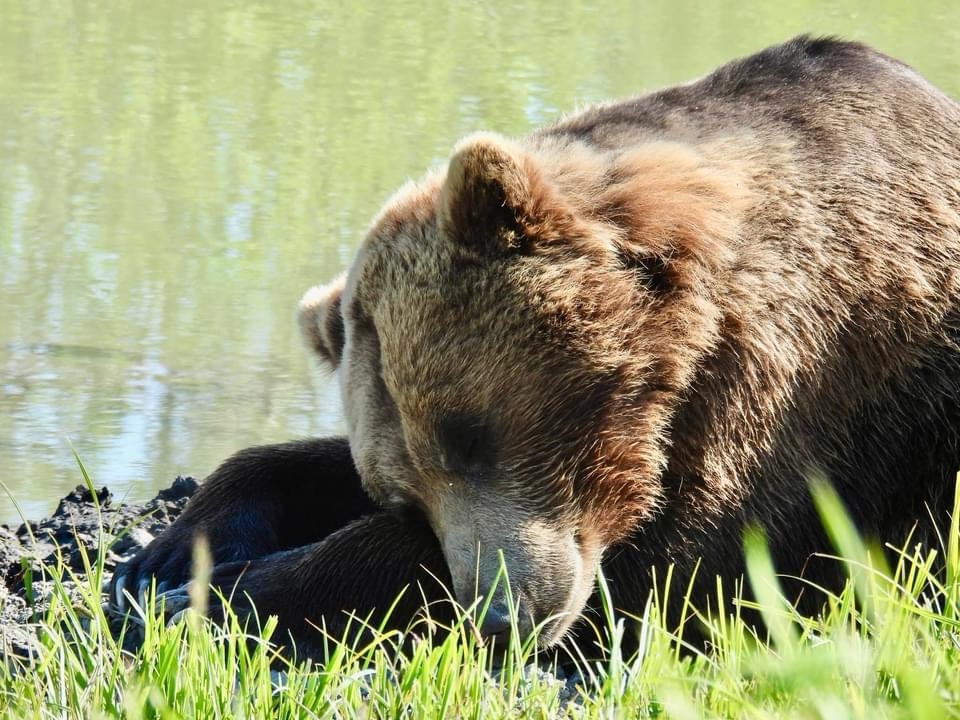
Alaskan Brown Bear
Photo Credit:©️2024 John Palone (cousin)

Work Focus-

Coleman in the Kitchen

Come on along and join the fun. Share one or more, it doesn’t matter whether the photos are from your desktop, laptop, tablet, or your smartphone wallpaper(s). 

Clare’s Share Your Desktop-August 2024

God Bless. Thank you for visiting and sharing your time and thoughts with us. Looking forward to seeing y’all’s desktop photos. Have a wonderful week. I appreciate y’all very much.

2024 SYD: January

My Wallpaper on my iPhone I enjoy four different photos on different focus pages. The following is what I have been looking at whenever I’m using my iPhone.

iPhone 14 Pro Max:

On my Laptop:

Clare’s Share Your Desktop-January 2024

Photo Credit: ©️2023 Deb L. Waters … All Rights Reserved

God Bless. Thank you for sharing your time and thoughts with me. Looking forward to seeing y’all’s desktops. I appreciate y’all very much.